Most “connect your data to AI” tutorials skip the part that actually breaks: the ten minutes of clicking around a third-party developer console, granting the right permission scope, and remembering to actually release your app before anything works. Then they skip the second part that breaks: getting the data you fetched to actually reach the model, instead of the model just guessing.
This post covers both, in full, using a real example: a Lark Base (a project/task kanban) and a Wetel AI agent that answers real questions about it — “what is Kevin working on,” “which tasks are P0 priority” — grounded in the real data, verified against the real Base, not a demo that happens to work once.
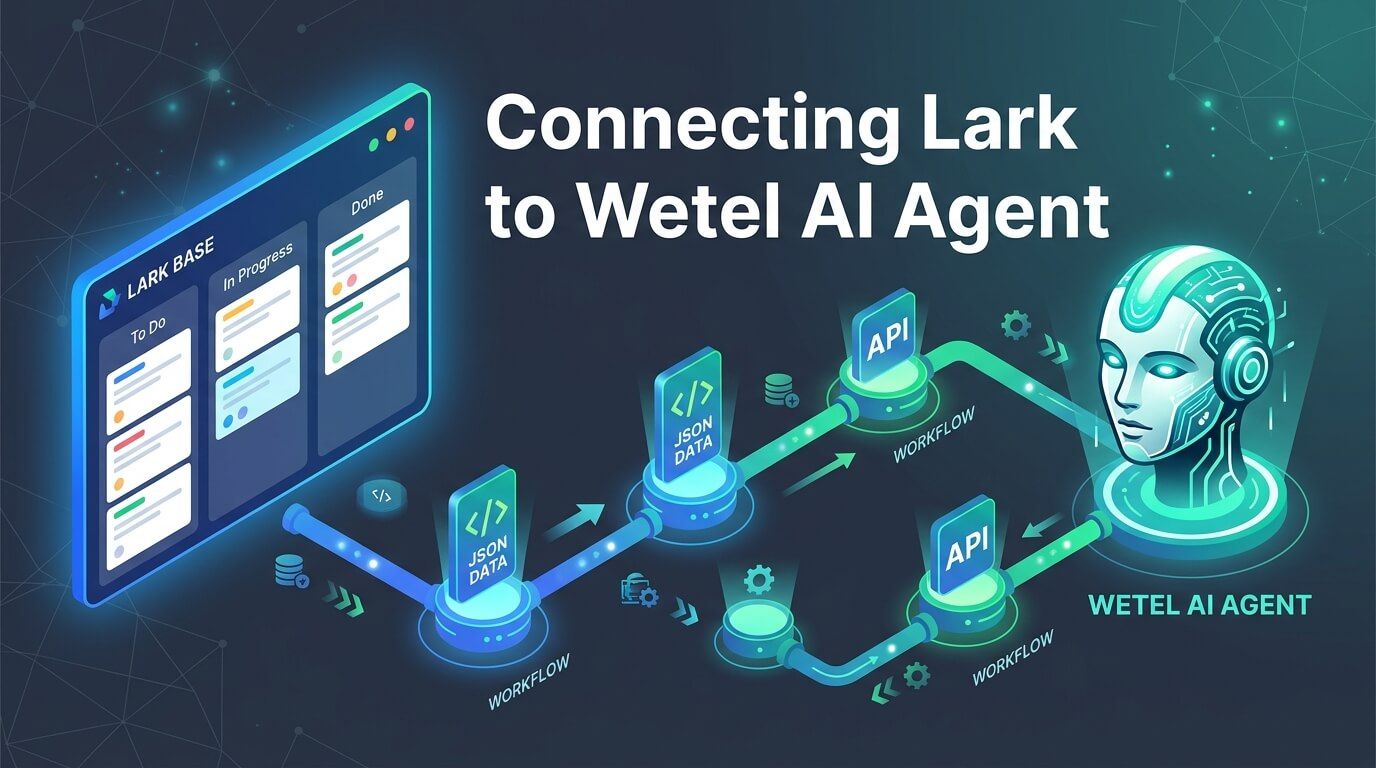
Everything below is reproducible. If you follow it with your own Lark app and your own Base, you’ll end up with a working agent, not just a working example.
What you’re building
flowchart LR User["Teammate: 'What is Kevin working on?'"] --> Agent["Wetel Agent"] Agent --> Workflow["Workflow"] Workflow --> Action["Custom Action node<br/>(GET Base records)"] Action -->|"tenant_access_token"| Lark["Lark Open Platform<br/>Bitable API"] Lark --> Base[("Your Lark Base<br/>Tasks table")] Lark -.->|"real task records, as JSON"| Action Action --> LLM["LLM node<br/>reads the JSON, answers"] LLM --> Response["Response node"] Response --> UserThree pieces, in order: a Lark app with permission to read your Base, a Custom Action in Wetel that knows how to call Lark’s API using that app’s credentials, and a small workflow — query, then answer — wired to an agent.
Nothing here is Lark-specific in the Wetel half. This is the same “Custom Action” mechanism you’d use to connect any REST API — Lark just happens to be a genuinely useful first one, because most teams already track real work in a Lark Base somewhere.
Part 1: Set up the Lark side
This is the part every tutorial glosses over, and the part that will actually stop you if you skip it. Having valid API credentials is not enough — two more things have to be true before a single API call succeeds.
flowchart TD A["Create a custom app<br/>in Lark's Developer Console"] --> B["Note the App ID<br/>and App Secret"] B --> C["Add Bitable permission scope<br/>(bitable:app + bitable:app:readonly)"] C --> D["Release the app<br/>(publish a version)"] D --> E["Open your Base → Share<br/>→ add the app as a collaborator"] E --> F["✅ Ready — verify with a raw curl call"]1. Create the app
Go to open.larksuite.com (or open.feishu.cn if your organization is on Feishu’s China deployment — same steps, different domain) and create a custom app. Give it a name your teammates will recognize when they see it as a collaborator later — something like “Wetel AI” works well.
From the app’s Credentials & Basic Info page, note two values: the App ID and the App Secret. You’ll need both in Part 2.
2. Grant the Bitable permission scope
Under Permissions & Scopes, search for “bitable” and add:
bitable:app— read/write access to Base appsbitable:app:readonly— if you only ever need to read, not write
This scope does nothing until the app is released. Under the app’s version/release page, publish a version. A scope granted but sitting in an unreleased draft has no effect on real API calls — this is the single most common reason “I set up the scope and it still doesn’t work” happens.
3. Add the app as a Base collaborator
This is the step that’s easy to miss entirely, because nothing in the permissions UI warns you about it. A valid tenant_access_token with the correct scope still gets rejected if the app itself was never given access to the specific Base document you’re trying to query.
Open the Base you want to connect. Click Share, search for your app by the name you gave it in step 1, and add it — exactly the same flow as adding a human collaborator.
What you do NOT need: none of the app’s other “Features” toggles matter here — Bot, Web app, Workspace Block, Docs add-on, Base extension, Link Preview, Mobile app login. Those all build UI that runs inside Lark itself (an embedded panel, a chat bot surface). What we’re building calls Lark’s REST API directly from Wetel’s backend, server-to-server. If you go looking and find Lark’s own Base Extension development guide — that’s a completely different mechanism (client-side JS running inside Lark’s own UI), not what this post covers.
4. Verify it actually works
Before touching Wetel at all, confirm the Lark side is genuinely ready:
curl -s -X POST https://open.larksuite.com/open-apis/auth/v3/tenant_access_token/internal \ -H "Content-Type: application/json" \ -d '{"app_id": "<your App ID>", "app_secret": "<your App Secret>"}'# → { "code": 0, "tenant_access_token": "...", "expire": 7200 }Then, using the token from that response, find your Base’s app_token and table_id from its URL (https://xxx.larksuite.com/base/{app_token}?table={table_id}) and query it directly:
curl -s "https://open.larksuite.com/open-apis/bitable/v1/apps/<app_token>/tables/<table_id>/records?page_size=5" \ -H "Authorization: Bearer <token from above>"# → { "code": 0, "msg": "success", "data": { "items": [...] } }code: 0 on both calls means you’re genuinely ready. Any other code — most commonly 99991672, permission denied — means the scope or collaborator step above is incomplete. Fix it in Lark’s own console before moving on; nothing on Wetel’s side can work around a missing grant.
Part 2: Register the Custom Action in Wetel
Log into the Wetel dashboard and open Custom Actions in the left sidebar. Create a new action:
| Field | Value |
|---|---|
| Name | Something descriptive — “Lark Kanban: List Tasks” |
| URL | https://open.larksuite.com/open-apis/bitable/v1/apps/<app_token>/tables/<table_id>/records |
| Method | GET |
| Credential type | Lark App |
| Lark App ID | Your App ID from Part 1 |
| Lark App Secret | Your App Secret from Part 1 |
| Lark Region | Lark Suite (international) or Feishu (China) |
Save it. Wetel now knows how to exchange your app’s credentials for a tenant_access_token on every call, and keeps that token refreshed automatically — you never touch it again.
If you’d rather do this via the API directly (useful if you’re scripting this as part of a larger setup):
mutation CreateCustomAction($input: CreateCustomActionInput!) { createCustomAction(input: $input) { id name }}{ "input": { "name": "Lark Kanban: List Tasks", "url": "https://open.larksuite.com/open-apis/bitable/v1/apps/<app_token>/tables/<table_id>/records", "method": "GET", "larkAppId": "<your App ID>", "larkAppSecret": "<your App Secret>", "larkRegion": "LARK_SUITE" }}Note the returned id — the workflow in Part 3 needs it.
Part 3: Build the workflow
The workflow is three nodes: query the Base, hand the result to an LLM to answer with, speak the answer back.
flowchart LR Start(["Start"]) --> Query["Query Lark Task Kanban<br/>(action node)"] Query --> Answer["Answer From Kanban Data<br/>(llm node)"] Answer --> Respond["Respond<br/>(response node)"]{ "nodes": [ { "id": "n_start", "type": "start", "label": "Start", "config": {}, "position": { "x": 0, "y": 0 } }, { "id": "n_query_tasks", "type": "action", "label": "Query Lark Task Kanban", "config": { "customActionId": 15, "outputVar": "larkTasks", "timeoutMs": 10000 }, "position": { "x": 250, "y": 0 } }, { "id": "n_answer", "type": "llm", "label": "Answer From Kanban Data", "config": { "promptTemplate": "You are a friendly, concise project assistant answering questions about a team's Lark task kanban board. You will be given the board's real task records as JSON below, then the user's question. RULES: (1) Every task name you mention MUST be copied character-for-character from a \"Task\" field in the JSON - never paraphrase or invent one. (2) Only use records whose Executor text matches who was asked about. (3) If nothing in the JSON matches the question, say so plainly instead of guessing. (4) Reply in 1-2 short sentences, plain text, no markdown, like a teammate would in chat.\n\nTask board records (JSON array; each item has fields.Task, fields.Status, fields.Priority, fields.Executor[0].text, fields.Project[0].text):\n{{jsonString larkTasks.data.items}}\n\nUser's question: {{userMessage}}", "outputVar": "answer" }, "position": { "x": 500, "y": 0 } }, { "id": "n_respond", "type": "response", "label": "Respond", "config": { "messageTemplate": "{{answer}}" }, "position": { "x": 750, "y": 0 } } ], "edges": [ { "id": "e_start_query", "source": "n_start", "target": "n_query_tasks" }, { "id": "e_query_answer", "source": "n_query_tasks", "target": "n_answer" }, { "id": "e_answer_respond", "source": "n_answer", "target": "n_respond" } ]}(replace customActionId: 15 with your own action’s real id from Part 2)
Two things worth calling out explicitly, because both are easy to get subtly wrong the first time:
{{jsonString larkTasks.data.items}}, not {{larkTasks}}. A raw {{someObject}} in a Handlebars template renders as the literal string [object Object] — not JSON, not useful, and the model has no way to know that’s what happened. jsonString is a helper built specifically for this: it actually serializes the value. Reaching one level deeper into .data.items (rather than dumping the whole API response, headers and all) also just gives the model a cleaner, less noisy array to reason about.
Do not also set a systemPrompt field on this node. This is the real bug we hit building this exact demo, and it’s worth its own section — see below.
The bug we hit (and why it matters even if you’re not doing Lark)
The first version of this workflow split the instructions and the data across two fields: systemPrompt held the grounding rules (“never invent a task name”), and promptTemplate held the actual {{jsonString ...}} data injection plus the user’s question. It seemed like the natural way to separate “how to behave” from “what to answer.”
It ran without any error. The workflow completed. Every node showed COMPLETED in the trace. And the agent confidently answered “Kevin is currently working on Product requirement specification” — a task name that does not exist anywhere in the real Base.
The actual data was captured correctly the whole time — inspecting the workflow run’s context confirmed the ACTION node had the real records, Kevin’s real tasks included. The problem was one step later: when both systemPrompt and promptTemplate are set on an llm node, the rendered promptTemplate — the one field with the actual data injection — is used only for estimating token cost. It is never sent to the model in any form. Not as a system prompt, not as a user message, not anywhere. The model received the grounding rules and nothing to ground them in, and did exactly what a language model does when it’s asked a specific question with no real information: produced a plausible-sounding, entirely fabricated answer.
sequenceDiagram    participant Ctx as Workflow context    participant Node as LLM node executor    participant Model as Language model
    Ctx->>Node: larkTasks (real data, correctly captured)    Note over Node: promptTemplate renders correctly<br/>with the real data injected    alt systemPrompt is set        Node--xModel: rendered promptTemplate — DISCARDED<br/>(used only for token estimate)        Node->>Model: systemPrompt (static) + userMessage only        Model-->>Node: confident, fabricated answer    else systemPrompt is left unset        Node->>Model: rendered promptTemplate<br/>(instructions + real data, together)        Model-->>Node: answer grounded in real data    end
The fix: put everything — the persona, the rules, and the data injection — into promptTemplate alone, and leave systemPrompt unset. That’s exactly what the JSON in Part 3 does. Once fixed, the same workflow answered correctly, verified against the real Base, using the platform’s default model with no special override needed. The earlier failure was never a model-quality problem — it was a wiring problem that happened to look like one.
This isn’t a Lark-specific quirk. It affects any workflow where an llm node is meant to answer using something an earlier node fetched — a database row, an API response, a document. If you’re building any workflow like that, check this first.
Part 4: Create the agent and test it
mutation CreateAgent($input: CreateAgentInput!) { createAgent(input: $input) { id name }}{ "input": { "name": "Lark Kanban Assistant", "position": "Project Assistant", "personaPrompt": "You are a friendly, concise project assistant for a small team. You help teammates check on the status of tasks in the team's Lark project kanban board — who's working on what, what's overdue, what's finished, what's still not started. You never make up task data; you only ever answer using the real kanban data you're given.", "useCase": "SUPPORT" }}Wire the workflow to it (an id field alongside the input, not nested inside it):
mutation UpdateAgent($id: ID!, $input: UpdateAgentInput!) { updateAgent(id: $id, input: $input) { id workflowId }}{ "id": "<your agent id>", "input": { "workflowId": <your workflow id> } }Publish the workflow — this step is mandatory. An unpublished workflow executes zero nodes for every session, with no error anywhere:
mutation PublishWorkflow($id: Int!) { publishWorkflow(id: $id) { id isPublished }}Then test it — from the Agent Testing page in the Wetel dashboard, or by starting a session and sending a message directly. Real output from this exact setup:
“What is Kevin working on right now?” Kevin is currently working on User feedback collection and integration. His other tasks, Requirement assessment and task subdivision and R&D for feature optimization, are already completed or suspended.
“Which tasks are P0 priority and who owns them?” The P0 priority tasks are User feedback collection and integration owned by Kevin, Reach new users through multiple channels owned by Mark, and Guiding users to join the community owned by Serena.
Both cross-checked directly against the real Base data — not just “the reply sounded right.” That habit — verifying a grounded-QA reply against the actual source data, not just its plausibility — is the single most useful thing to carry over from this walkthrough into anything else you build.
Where to go from here
This demo deliberately stays to the simplest useful shape: one read-only query, no branching, every turn re-queries the Base fresh. From here, the same Custom Action mechanism extends naturally:
- Write actions — creating or updating a Base record (
POSTinstead ofGETon the same Bitable endpoints), sending a Lark message, routing an approval. Same credential, same node type, different URL and method. - Multiple tables — one Custom Action per table you want to query, or a single action with
argsTemplateselecting which table at call time. - Gating the query behind intent — this demo re-queries the Base on every single turn regardless of what was asked. A production agent would likely add an intent-classification step first, so a Base query only fires when the question is actually about the kanban.
None of that requires new infrastructure — it’s the same app, the same permission grant, the same Custom Action pattern, applied to a different endpoint.
This post reflects Wetel’s Custom Actions and workflow engine as of August 2026, built and verified live against a real Lark Base — every screenshot-shaped step above was actually clicked through, every reply above is a real, unedited agent response.